
In short
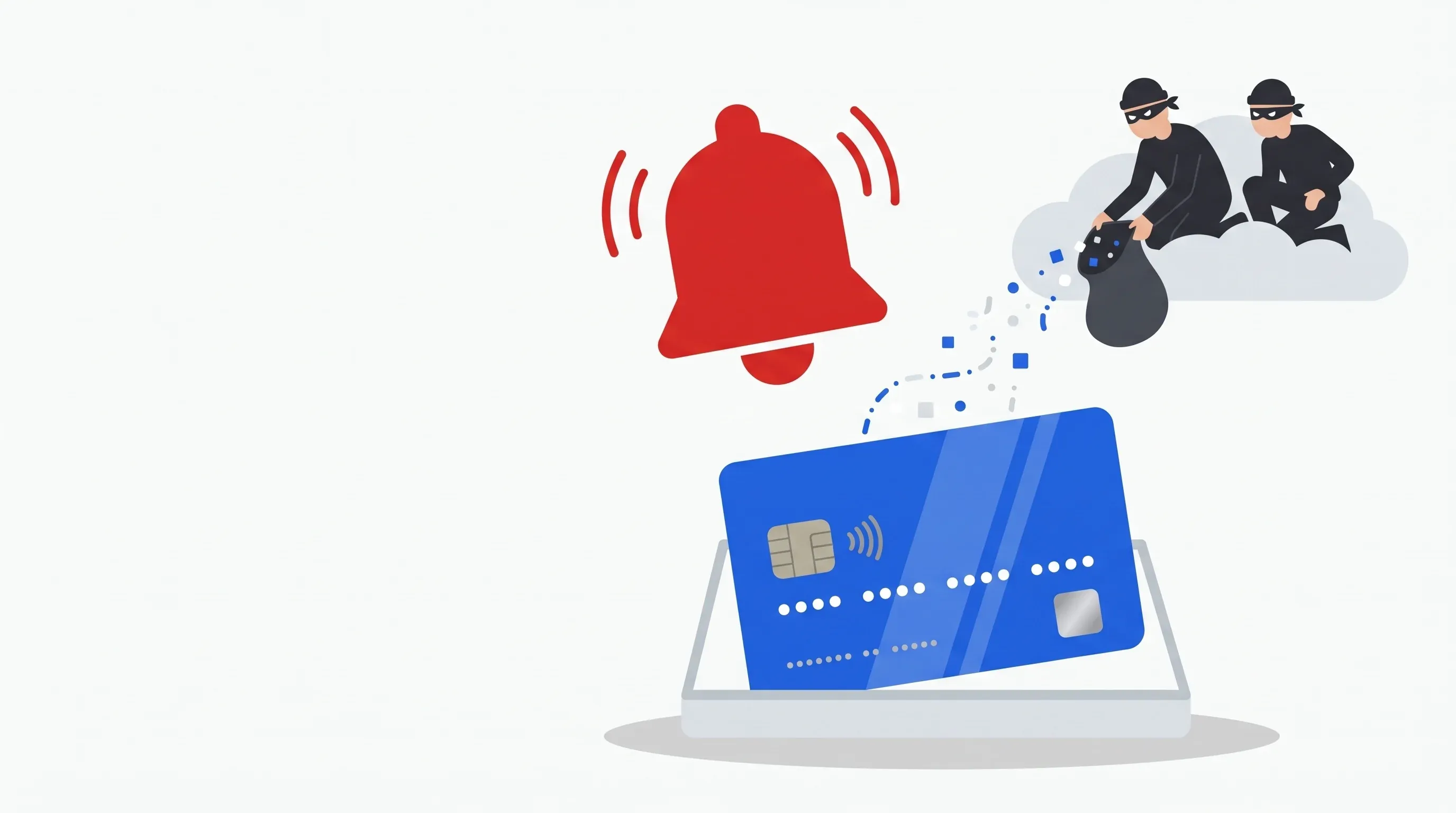
- A skimmer copies the bank card in the customer’s browser, as they type it. Your store does not need to store cards to be affected.
- In Magento, it most often hides in a content block, in the header or footer scripts, or in one of the store’s JavaScript files.
- Since neither you nor your customers see anything, the alert often comes from the bank or payment provider, which sees fraudulent cards after a purchase from you.
- If you find one: notify your payment provider, keep a copy of the script, have the attacker’s way in tracked down, and think of your data protection authority, within 72 hours of discovery where possible.
Contents
A Magecart skimmer, in plain words
In a shop, a skimmer is a fake reader fitted onto the card terminal. On an online store, it is the same idea, in code: a script added to the page reads the fields of the payment form and sends them elsewhere. Depending on the case, it takes the card number, expiry date and security code, but also the customer’s name, address, email or password.
Magecart is the name the press and security researchers give to several criminal groups behind this kind of theft, and by extension to the attack itself. The PCI Security Standards Council, which writes the security rules for bank cards, describes it as very hard to detect: the card is copied during the purchase, without the merchant or the customer noticing.
To plant their script, the attacker first has to get in. The PCI SSC lists vulnerable extensions, guessed or reused passwords, phishing, and compromised third-party services: an advertising, live chat or customer review script, modified at its vendor, affects every store that loads it.
Where a skimmer hides in Magento
A skimmer has to be loaded on the checkout page. In Magento, that leaves a few classic hiding places. The menu paths below are those of an admin panel in English; the labels may vary slightly with the language pack installed.
Blocks, pages and widgets
Content > Elements > Blocks, Pages and Widgets. A block can contain HTML, and therefore a script, and appear on every page, checkout included. A recently created or modified block with a harmless-looking name deserves a look.
Header and footer scripts
Content > Design > Configuration, then the store view. Two fields accept scripts:
- HTML Head > Scripts and Style Sheets, added before the end of the head of every page;
- Footer > Miscellaneous HTML, added at the bottom of every page.
They normally hold your analytics or live chat tools. Adobe recommends reviewing these fields at every level (website, store, store view) and removing any JavaScript you do not recognise.
The store’s JavaScript files
The pub/static folder holds the JavaScript sent to every visitor. It is regenerated at each deployment. A file in this folder that changes between two deployments is not normal. The skimmer can also sit in the code of the theme or of an extension.
Elsewhere in the database
Magento keeps many settings in the database. A script can slip into any value that ends up displayed on a page. That is why the database search further down is not limited to the two header and footer fields.
The signs of a card skimmer on your store
- Your bank or payment provider contacts you: several fraudulent cards have a purchase from you in common. Since the theft is invisible to the merchant, this is often how it comes to light.
- Customers complain of fraud on their card shortly after an order.
- The payment form changes: a duplicated card field, an extra step, a payment declined and then accepted on the second attempt.
- An unknown script appears in a block or in the header and footer fields.
- The checkout page contacts an unknown domain that whoever manages the site cannot explain.
Go through the two fields under Content > Design > Configuration and the recent blocks. For each script, ask yourself who added it and what it is for. If nobody knows, do not delete it straight away: read on.
Skimmer found on Magento: what to do
- Keep a copy of the script before removing it. Copy its content, note where it was (block, field, file) and take a screenshot. Adobe talks about quarantining suspicious code: you take it out of the site, you do not destroy it. Only then remove it, or put the store into maintenance mode to stop the theft.
- Notify your payment provider or bank, without waiting for the investigation to finish. Visa’s guide asks you to notify the merchant’s bank immediately, then hand over an incident report within three business days. Visa and the bank then decide whether an independent investigation is needed.
- Think of your data protection authority (the CNIL in France). A bank card, a name, an address are personal data. The GDPR asks you to notify the breach without undue delay and, where feasible, no later than 72 hours after becoming aware of it. If the risk to your customers is high, you must tell them too.
- Have the attacker’s way in tracked down. Removing the script is not enough: an admin account created by the attacker, an unfixed flaw or a backdoor lets them put it back. The PCI SSC stresses it: if the flaw is not fixed, or if part of the attacker’s code remains, the infection comes back. The full procedure is in our article Magento 2 hacked: the warning signs and what to do next.
- File a complaint with the police before reinstalling the server, as the French government’s Cybermalveillance.gouv.fr service advises.
Hello,
We suspect a card skimmer on our Magento store: [describe what you saw, for example the bank’s alert or the script you found, and where].
Could you, as a matter of urgency:
- keep a copy of the server and Magento logs, without deleting anything;
- look for scripts added to the CMS blocks, the HTML configuration and the files in pub/static;
- tell us how long they have been there and how they were added;
- let us know which backups are available and from which dates.
Please reply as soon as possible.
You manage the server: search for a skimmer in Magento
Everything below is read-only. Run the queries in the MySQL or MariaDB client, connected to the Magento database (the credentials are in app/etc/env.php). If the database uses a table prefix, add it to the names.
-
Configuration values that contain a script, plus the two header and footer fields:
SQL query · Configuration: scripts and iframesSELECT config_id, scope, scope_id, path, updated_atFROM core_config_dataWHERE path IN ('design/head/includes', 'design/footer/absolute_footer')OR value LIKE '%<script%' OR value LIKE '%<iframe%';design/head/includesis the Scripts and Style Sheets field,design/footer/absolute_footerthe Miscellaneous HTML field. Look at theupdated_atcolumn, then read the value of the suspicious rows. -
Blocks and pages that contain a script:
SQL query · CMS blocks and pages: scripts and iframesSELECT block_id, identifier, title, is_active, update_timeFROM cms_blockWHERE content LIKE '%<script%' OR content LIKE '%<iframe%'ORDER BY update_time DESC;SELECT page_id, identifier, title, is_active, update_timeFROM cms_pageWHERE content LIKE '%<script%' OR content LIKE '%<iframe%'ORDER BY update_time DESC; -
Files in
pub/staticnewer than the last deployment. Magento rewritespub/static/deployed_version.txteach time static content is deployed. A file newer than it was changed afterwards:Terminalfind /var/www/store/pub/static -type f -newer /var/www/store/pub/static/deployed_version.txt -printIf JavaScript merging is on, the files in
pub/static/_cache/mergedare recreated after every cache flush: they may show up without being suspicious. The others need an explanation. -
The store’s code, if it is versioned with Git:
Terminal, from the Magento foldergit status --short
Reduce the risk of a skimmer on Magento
- Upgrade to Magento 2.4.7 or later. To meet PCI DSS 4.0, Adobe added script integrity checks (SRI) and a restrictive content security policy (CSP) on the checkout pages. An unauthorised script is blocked there by the browser. The other pages stay in “report only” mode by default.
- Apply security patches as soon as they come out: see Adobe security patches for Magento.
- Limit third-party scripts on the checkout page. The PCI SSC recommends not loading JavaScript hosted elsewhere there and, where possible, hosting your own copy of third-party scripts.
- Protect the admin panel: two-factor authentication, one account per person, unused accounts deleted. See spot a suspicious admin account.
- Know your PCI DSS obligations. Since 31 March 2025, requirements 6.4.3 and 11.6.1 of PCI DSS 4.0 are mandatory: scripts on the payment page must be authorised, their integrity checked, and any change detected. Your payment provider tells you which questionnaire (SAQ) applies to you.
Tocsin24 watches the usual skimmer hiding places
Tocsin24 reads the CMS blocks and pages and the HTML configuration fields of your Magento store. It opens a critical incident as soon as a script, an iframe or an external domain appears in them. In production mode, it also monitors the JavaScript files in pub/static, the ones every visitor receives: a file changed outside a deployment is a critical incident, and Tocsin24 reads these files to look for skimmer patterns, such as card fields being sent to an external domain. The store’s code is checked every hour.
Tocsin24 is neither a firewall nor an automatic clean-up. It does not see a third-party script modified at its vendor, nor widgets. It warns you quickly, and the work itself stays in human hands, with our post-compromise intervention.
Critique Ouvert #231
Fichier statique modifié hors déploiement
Sécurité · détecté le 22 octobre 2026 à 02:43 · 1 occurrence
Traiter l'incident
Fichiers concernés1 Relevé du 22 octobre 2026 à 02:43
JavaScript, templates ou JSON de pub/static modifiés sans redéploiement du contenu statique : ce que reçoit chaque visiteur a changé.
| Fichier | Changement |
|---|---|
| pub/static/frontend/Magento/luma/fr_FR/Magento_Checkout/js/view/payment/default.js | MModifié |
« Légitime » valide tout le lot.
Preuve de chaque passage dans « Historique et preuves ».
Critique Ouvert #232
Modifié — bloc CMS : footer-links
Sécurité · détecté le 22 octobre 2026 à 02:12 · 1 occurrence
Traiter l'incident
Contenu et code en cause Relevé du 22 octobre 2026 à 02:12
Fragments suspects relevés dans le contenu (les ressources chargées depuis la boutique sont écartées). Le code est montré comme du texte, jamais exécuté.
- Type
- Bloc CMS
- Identifiant
- footer-links
- Titre
- Liens du pied de page
- Actif
- oui
- Vues magasin
- Toutes
- Taille
- 1,9 Ko
- Hôtes externes
- cdn-stats.example.com
- Créé le
- 4 mars 2025 10:20
| Information | Avant après | Relevé |
|---|---|---|
| Contenu | modifié | 22 oct. 02:12 |
| Taille | 1,2 Ko1,9 Ko | 22 oct. 02:12 |
| Hôtes externes | —cdn-stats.example.com | 22 oct. 02:12 |
Script · cdn-stats.example.com
<script src="https://cdn-stats.example.com/s.js"></script>
Preuve détaillée dans « Historique et preuves ».
Application screens with example values.
Frequently asked questions
What is Magecart?
It is the name given to several criminal groups that steal bank cards from online shops, and by extension to their method: a script added to the checkout page copies the card while the customer types it. Every e-commerce platform can be targeted.
Does an iframe or redirect payment protect me from a skimmer?
It reduces the risk, because the card fields are no longer on your page. But the page around the form is still yours, and a script there can steal the customer's other data: name, address, email, password. The PCI SSC asks merchants who embed a provider's payment form to confirm that their site is not vulnerable to script attacks.
My bank says my store is a common point of compromise. What should I do?
Take it seriously, even if you see nothing unusual. Have whoever manages the server look for a skimmer, keep every trace, answer the bank within the deadline it gives you and check whether you need to notify your data protection authority.
Can an online scanner detect a skimmer?
Sometimes. An external scanner only sees what the page shows it at the moment it visits, and a skimmer often fires when the customer confirms the payment, a page a scanner does not always reach. It complements monitoring of the files and the database; it does not replace it.
Do I have to tell my customers?
If their cards or data may have been stolen and the risk to them is high, yes: the GDPR requires it without undue delay, with some exceptions. Your payment provider and your data protection authority can help you decide.

Cédric has been building Magento stores for 18 years and holds the Adobe Commerce Developer Expert certification. He created Tocsin24 to monitor the security and health of Magento 2 stores and WordPress sites.
 Adobe Commerce Developer Expert
Verify the certification on Adobe’s website
Sources
- PCI Security Standards Council and RH-ISAC: The Threat of Online Skimming to Payment Security (2019)
- PCI SSC: PCI DSS e-commerce requirements effective after 31 March 2025
- PCI SSC: new SAQ A eligibility criterion
- Adobe: Magento Open Source 2.4.7 release notes (SRI and CSP)
- Adobe: design configuration, HTML Head and Footer fields
- Adobe: Content menu
- Adobe: Best practices to respond to a security incident
- Visa: data security, what to do if compromised
- GDPR, articles 33 and 34 (text published by the CNIL, in French)
- Magento source code: schema of the Config and Cms tables